Bee READY • Free visual support
Free First Then Board Creator
Make your own printable First Then board with pictures or your own photos.
Create a free visual First Then board online for transitions, routines, waiting, schoolwork, and everyday tasks. Designed for autism, ADHD, executive functioning, and daily life support. Use it on screen or print and save it as a PDF.
Useful for hygiene, schoolwork, waiting, routines, appointments, and difficult transitions.
FIRST
THEN
Use familiar photos and short language. A First–Then board is a visual support—not a punishment or compliance tool.
Bee READY • Examples
Sample First–Then Boards
Swipe through complete examples for routines, transitions, waiting, schoolwork, and everyday tasks.
Homework


Pair one clear task with a motivating next activity.
Bedtime
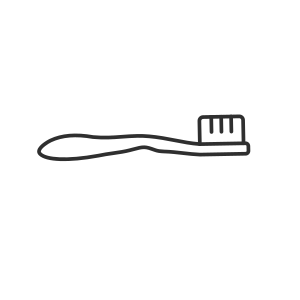
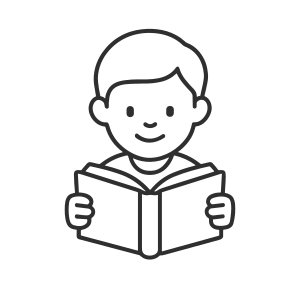
Show the routine before repeated verbal reminders begin.
Clean Up
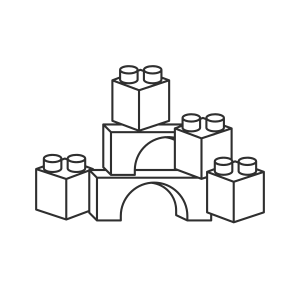
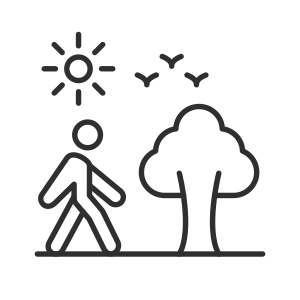
Make the current expectation and next activity easy to see.
Doctor Visit

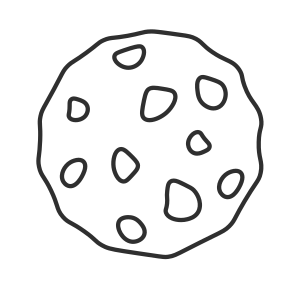
Preview an unfamiliar event and show what follows afterward.
Car Ride


Make travel and community transitions feel more predictable.
Visual support guide
What Is a First–Then Board?
A First–Then board is a simple visual support that shows what is happening now and what comes next. It can make routines, transitions, waiting, and difficult tasks feel more predictable and easier to understand.
What can it help with?
Transitions, hygiene routines, schoolwork, waiting, bedtime, chores, therapy tasks, community outings, and everyday expectations.
Where can I use it?
At home, school, therapy, restaurants, stores, appointments, in the car, during homeschool, or anywhere the next step feels unclear.
Why use real photos?
A photo of the actual toothbrush, homework table, swing, snack, or playground may be easier to recognize than generic clipart.
Start simple
How to Use a First–Then Board
-
1
Keep the language short.
Use a few familiar words, such as “First shoes. Then car.”
-
2
Use recognizable visuals.
Choose real photos when they make the plan easier to understand.
-
3
Show it before the transition.
Introduce the board before the difficult moment begins.
-
4
Point while you speak.
Show “First,” and then point to what happens next.
-
5
Use it as support—not pressure.
Pair the board with regulation, choices, and calm adult help.
Common questions
First–Then Board FAQ
Are First–Then boards only for autism?
No. They can also support children with ADHD, anxiety, developmental delays, speech delays, sensory needs, and executive functioning challenges.
Can I use my own photos?
Yes. Real photos from a phone can make the board more familiar and easier to understand.
What should go in the “First” section?
“First” is usually the current task, transition, routine, or expectation, such as brushing teeth, getting dressed, finishing one worksheet, or waiting.
Does “Then” always need to be a reward?
No. “Then” may simply be the next activity. A preferred activity can be used when motivation is helpful, but it does not always need to function as a reward.
Do I need to print the board?
No. It can be used directly on a phone or tablet. Printing may help when the board will stay near a bathroom, desk, classroom, or routine area.
What if my child ignores the board?
Shorten the language, use more familiar photos, introduce it while the child is calm, and pair it with supportive adult guidance. Visual supports often become more useful with repetition.
Related tools
Need a Different Support?
 Calm Body Tool
Choose a regulation support before adding demands.
Regulate first → Visual Schedule
Show the full routine instead of only two steps.
See the routine → Choice Board
Offer two or more clear visual options.
Offer choices → Bee Timer
Make waiting and time remaining easier to see.
Make time visible →